Visual Field Tracker provides a guided way to record where you perceive a moving visual stimulus on your own screen.
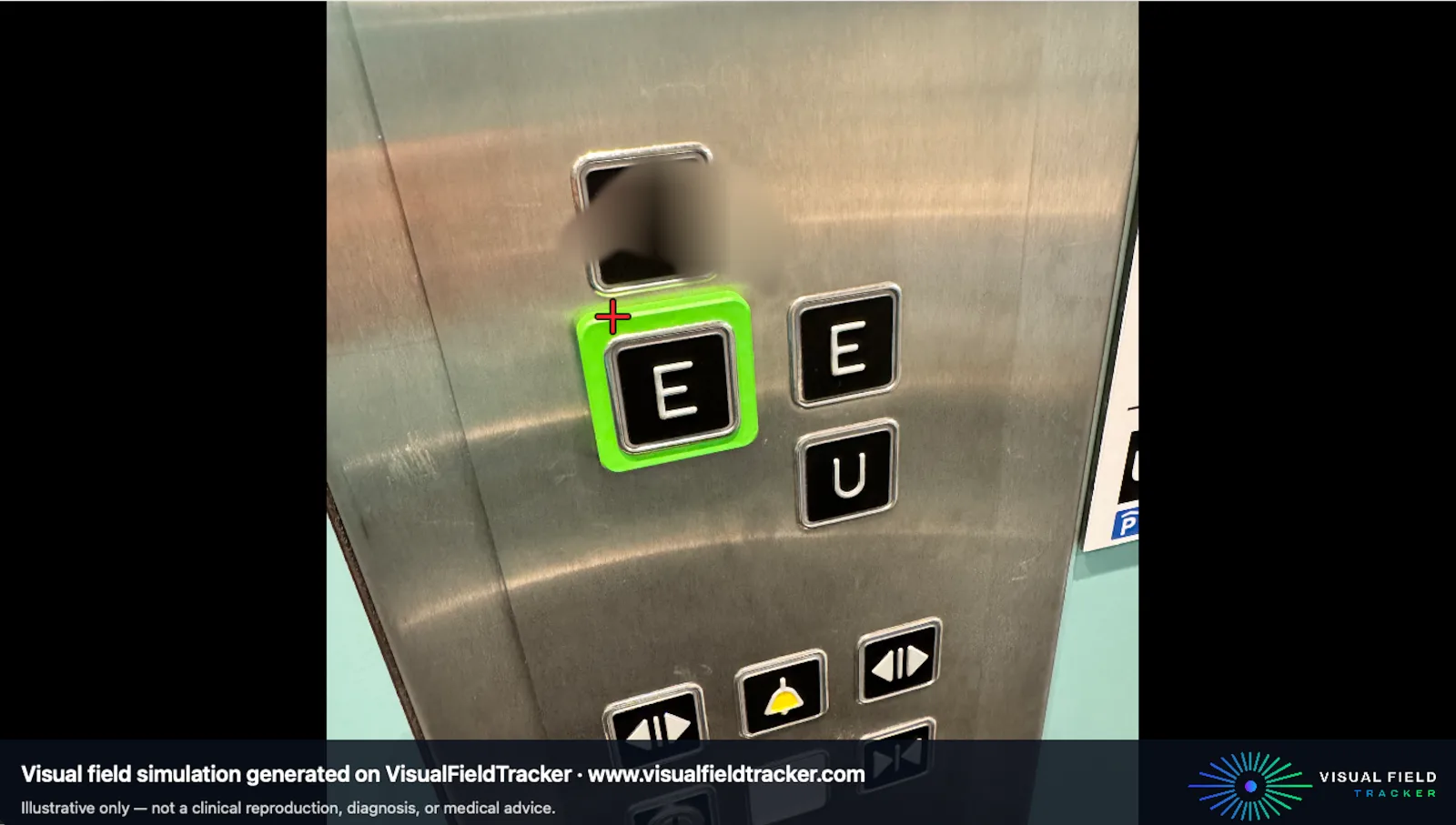
You do that at home, online, using your own computer. You can export a personal PDF summary and create an Illustrative Vision Simulation that you can share with your relatives, your friends and your doctor.
Note: These outputs are experimental and are NOT medical reports
The process is built around three points:
Record
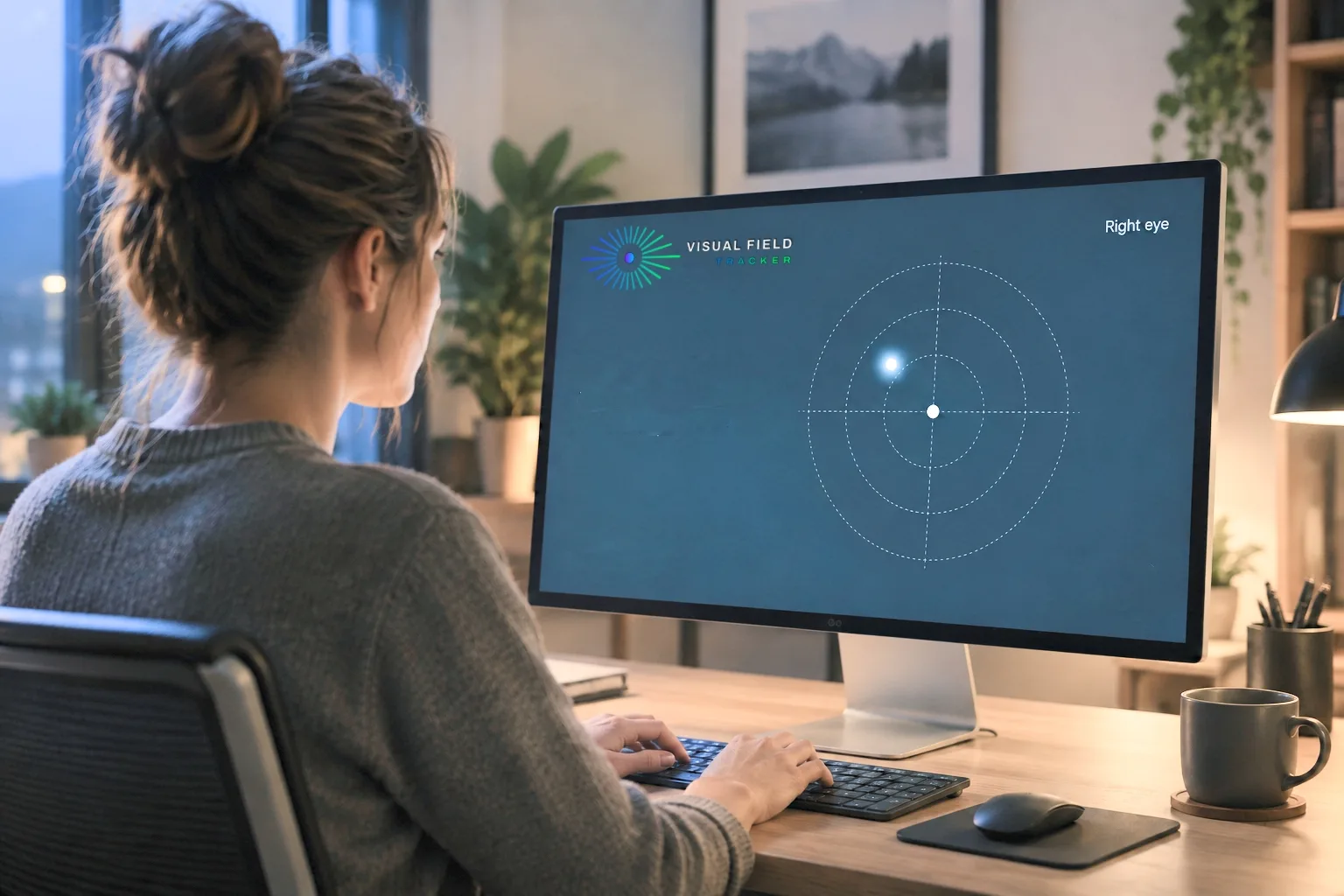
Follow the guided procedure while keeping your eyes focused on a central reference point. Visual Field Tracker lets you explore different areas of your visual field and lets you record where the stimulus can and cannot be perceived.
In Visual Field Tracker, you deliberately control the stimulus and record the positions where you report that it disappears or reappears
Save and compare
Your recording map can be saved and compared with maps from later sessions.
The comparison displays differences between user-recorded points. Those differences may result from the setup, attention, technique or perception and cannot establish that vision or a medical condition has changed.
Simulate
Vision Simulation applies an illustrative effect to a photograph using the points you recorded. It may help communicate the recorded pattern, but it does not reproduce how you actually see.