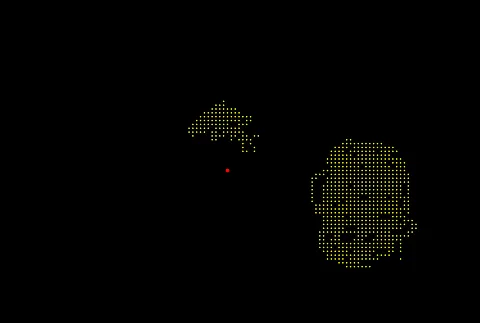
While focusing on a red fixation point, you move a yellow stimulus and record where you report that it disappears or reappears. Sessions are performed separately for each eye and may be saved for later visual comparison.
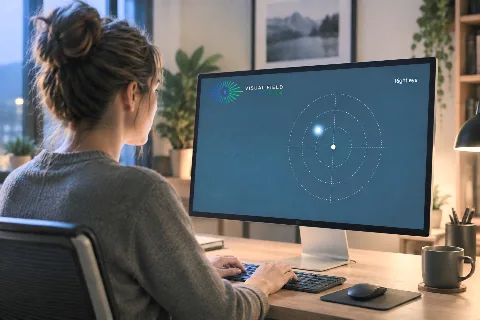
For consistent visual field measurements, use a physical keyboard, maintain consistent display settings, and cover one eye during testing. Practice moving the test point without looking at it before recording the first test.
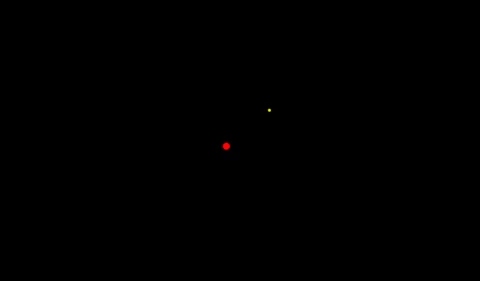
The test involves moving a yellow point around the screen using arrow keys while keeping your gaze on a red fixation point. Mark the point’s disappearance by pressing the spacebar, and explore the visual field as needed.
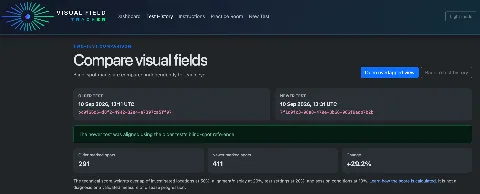
Visual Field Tracker compares recorded points, investigated areas, alignment and session settings. Its comparability score describes similarity between session conditions; it does not measure vision quality or disease progression.
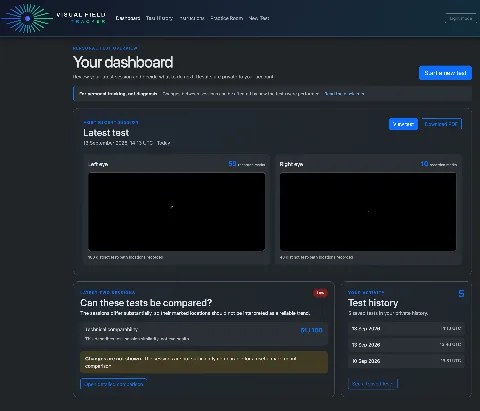
Visual Field Tracker can save session records so that users can review maps, compare sessions and export a personal PDF summary. These outputs are not clinical measurements or medical reports.

Vision Simulation applies an illustrative effect to a photograph using user-recorded points. It does not reproduce how a person actually sees or establish visual-field loss.